
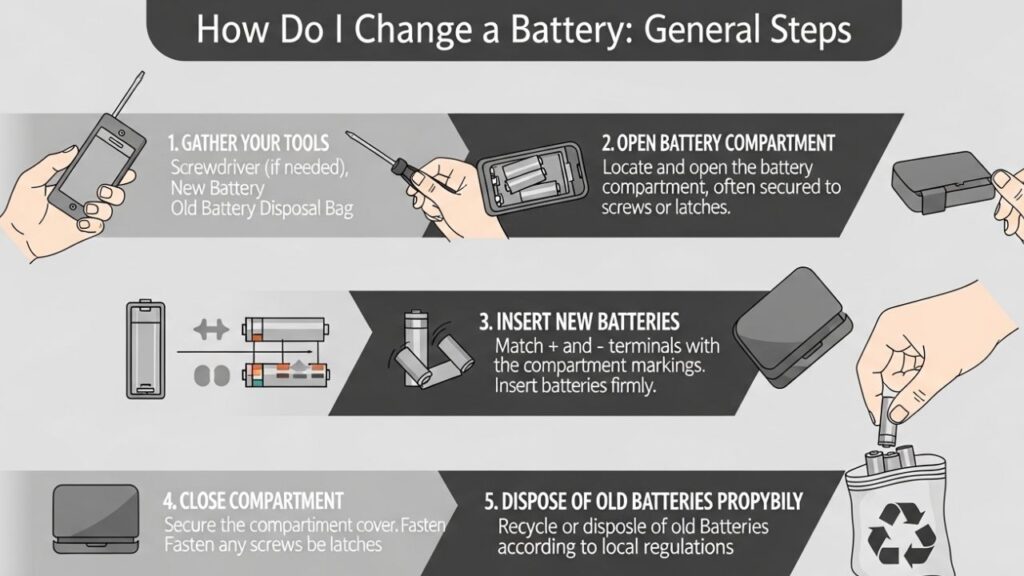
How Do I Change a Battery: General Steps
No matter the device, the basic process of how do I change a battery usually follows the same pattern:
1. Turn Off the Device
Always switch off the device first. This prevents short circuits and protects both you and the device.
2. Identify the Battery Type
Check whether it uses:
- Disposable batteries (AA, AAA, etc.)
- Rechargeable built-in battery
- Car battery (lead-acid type)
3. Open the Battery Compartment
- Use a screwdriver if needed
- Slide or unlock the cover carefully
- Do not force it open
4. Remove the Old Battery
Take note of the positive (+) and negative (-) sides before removing. This is very important for correct placement later.
5. Insert the New Battery
Match the polarity exactly:
- Positive to positive (+)
- Negative to negative (-)
6. Close the Cover
Secure the compartment properly so the battery doesn’t move.
7. Test the Device
Turn it on and check if it works correctly.
How Do I Change Batteries in Common Devices
1. Remote Control or Small Devices
When learning how do i change the battery in remotes:
- Slide the back cover off
- Replace AA or AAA batteries
- Close the cover firmly
Tip: If buttons still don’t work, check alignment or try new batteries.
2. Wall Clocks
- Remove back panel
- Take out old AA battery
- Insert new one correctly
- Hang or reset the clock if needed
3. Smartphone (Built-in Battery)
Modern phones don’t allow easy battery replacement.
To change it:
- Power off the phone
- Remove back cover (only if removable)
- Disconnect battery carefully
- Replace with compatible one
⚠️ Important: Many phones require professional service because batteries are glued inside.
4. Car Battery
If you are asking how do i change the battery in a car:
- Turn off the engine and remove keys
- Disconnect negative (-) terminal first
- Then disconnect positive (+) terminal
- Remove battery hold-down clamp
- Lift old battery carefully (it’s heavy)
- Place new battery
- Connect positive (+) first, then negative (-)
Tip: Wear gloves and avoid touching both terminals at once.
5. Laptop Battery
Depends on model:
Removable battery:
- Slide latch locks
- Remove old battery
- Insert new one
Built-in battery:
- Requires opening back panel
- Disconnect internal connector
- Replace carefully
6. Watch Battery
- Open back case with small tool
- Remove tiny battery
- Replace with same type
- Close carefully to maintain waterproof seal
Safety Tips When Changing a Battery
Understanding how do i change the battery safely is just as important:
- Never mix old and new batteries
- Don’t use damaged batteries
- Avoid short-circuiting terminals
- Keep batteries away from heat or water
- Dispose of old batteries properly
Common Mistakes to Avoid
- Installing batteries backwards
- Forcing battery covers open
- Using wrong battery size
- Touching metal contacts unnecessarily
- Ignoring corrosion in battery compartment
Final Thoughts
Learning how do i change the battery is simple once you know the basics: turn off the device, match polarity, and handle everything carefully. The exact method depends on what device you’re working with, but the core steps remain the same.
If you tell me the exact device (phone, car, remote, etc.), I can give you a more precise step-by-step guide tailored to it.